Chair from a product photo
What we set
Textured model + turntable, 1024 px texture. Nothing else to write: the model works from the file.
2 min 36 s on our RTX 4060 3 credits ($0.30) · Textured model + turntable
Try it with your own filePhoto to 3D model Runs on our GPU
One photo, a 3D model. One photo of an object in, a textured 3D model (GLB) and a turntable video out.
3 credits · about 3 min on our GPU
Upload one photo of a single object. TripoSR removes the background, builds a textured 3D mesh and renders a turntable preview. Open the GLB in Windows 3D Viewer, Blender or a web viewer.
What you can do
Each example is a real run on our GPU: what went in, the exact instruction, and the result exactly as the model made it. Pick one to see it, then start from the same instruction.
What we set
Textured model + turntable, 1024 px texture. Nothing else to write: the model works from the file.
2 min 36 s on our RTX 4060 3 credits ($0.30) · Textured model + turntable
Try it with your own file
What we set
Textured model + turntable, 1024 px texture. Nothing else to write: the model works from the file.
1 min 44 s on our RTX 4060 3 credits ($0.30) · Textured model + turntable
Try it with your own file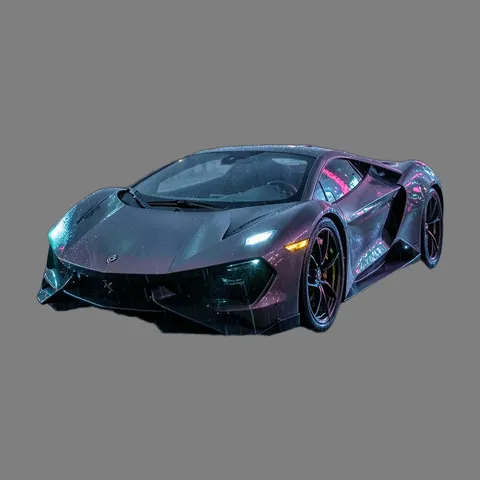
What we set
Textured model + turntable, 1024 px texture. Nothing else to write: the model works from the file.
3 min 22 s on our RTX 4060 3 credits ($0.30) · Textured model + turntable
Try it with your own file3 examples from our own runs, with the times we measured. Open "Prompt and settings we used" under any of them for the exact input.
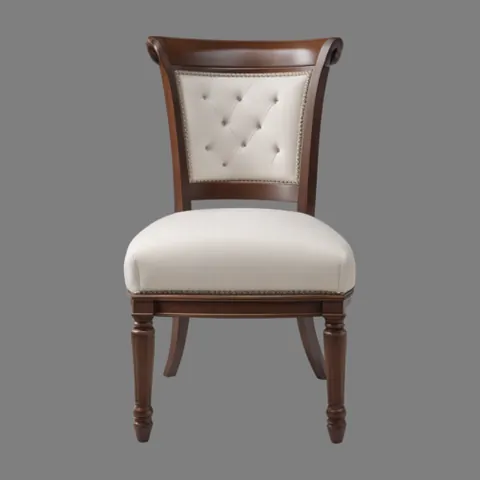
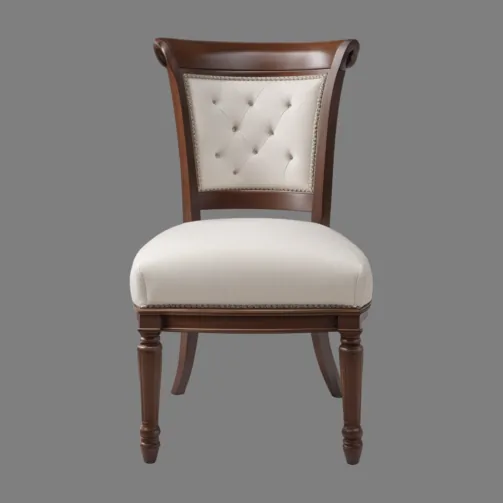
Chair from a product photo
Clean product shot: the cleanest mesh and a believable texture.
The picture that went in
Isometric illustration to 3D
A flat drawing became a sensible 3D shape.
The picture that went in

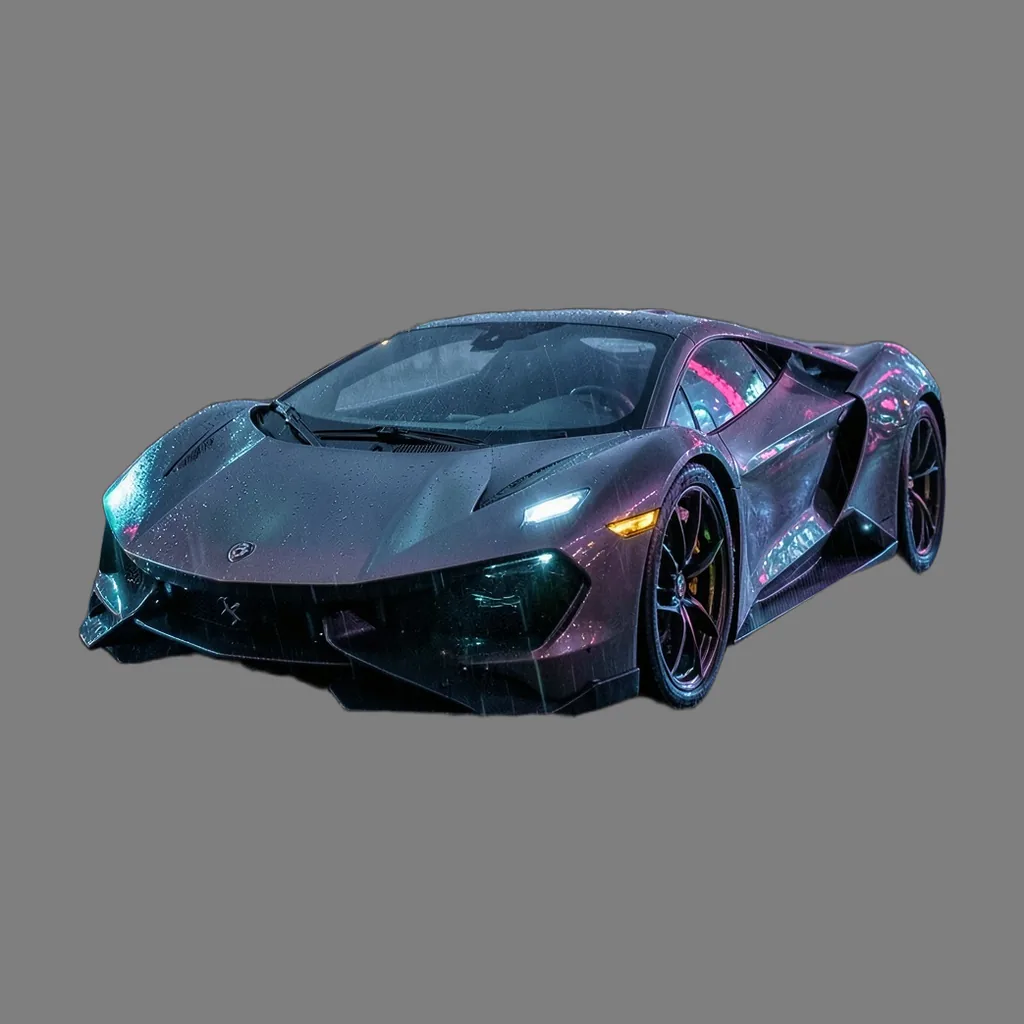
Concept car from a busy night wallpaper
Weakness probe: the background was removed and it reads as a car, but detail is soft and the wheels blurry. GLB not published (16 MB).
The picture that went in
The prompt and the model decide the output; bigger models and settings cost more credits. These notes come from what worked, and what did not, in our runs.
Times are end to end on our GPU (an RTX 4060 Laptop GPU, 8 GB), model loading included, before any jobs ahead of yours. "Estimate" marks an option we have not measured yet.
| Option | Credits | Typical time | Slowest seen | What to expect |
|---|---|---|---|---|
| Textured model + turntableRecommended | 3 | 2 min 36 s | 3 min 22 s3 runs | Measured: 104-202 s (whole run, model load included). Most of it is the texture bake and the turntable render. |
Step-by-step recipes that use Photo to 3D model with other studio tools, with the credits each step costs.
You answer for your prompt and your choice of model and settings; the safety filter still checks every job, and a refused prompt costs nothing.
3 creditsabout 3-4 min on our GPU, plus any jobs ahead
You'll have 7 days to download it; then it's deleted.
Results are kept 7 days. Credits come back only if the job fails or never starts.
Reading the line…
Credits are held when you send a job and spent when the result is ready. They come back automatically if the job fails, is refused or has not started within 24 hours. Results are kept 7 days, or 48 hours after your first download, then deleted; a result that expires unused is not refunded. Pricing and refunds
A GLB model with its texture, plus a short turntable video.
Windows 3D Viewer, Blender, most web 3D viewers and many AR tools.
Often yes after a check in a slicer; the mesh is made for viewing, so thin parts may need fixing.
One photo shows one side; the model invents the rest.
Single objects work best; people come out poorly and the content rules still apply.