Skip to content
Creative Studio, runs on our GPU

Animate a picture Runs on our GPU

Animate a picture with AI

Make your picture move. Turn a still picture, or a sentence, into a 2-second moving clip.

Create

18 credits · about 18 min on our GPU with Wan2.2 · 480p · 2 s

What it does

Give it a picture and say what should move: fire flickers, rain falls, the camera drifts. Wan2.2 keeps the look of your picture and adds 2 seconds of motion. Without a picture it makes the clip from your words alone. No sound.

What you can do

3 real jobs, run on our GPU

Each example is a real run on our GPU: what went in, the exact instruction, and the result exactly as the model made it. Pick one to see it, then start from the same instruction.

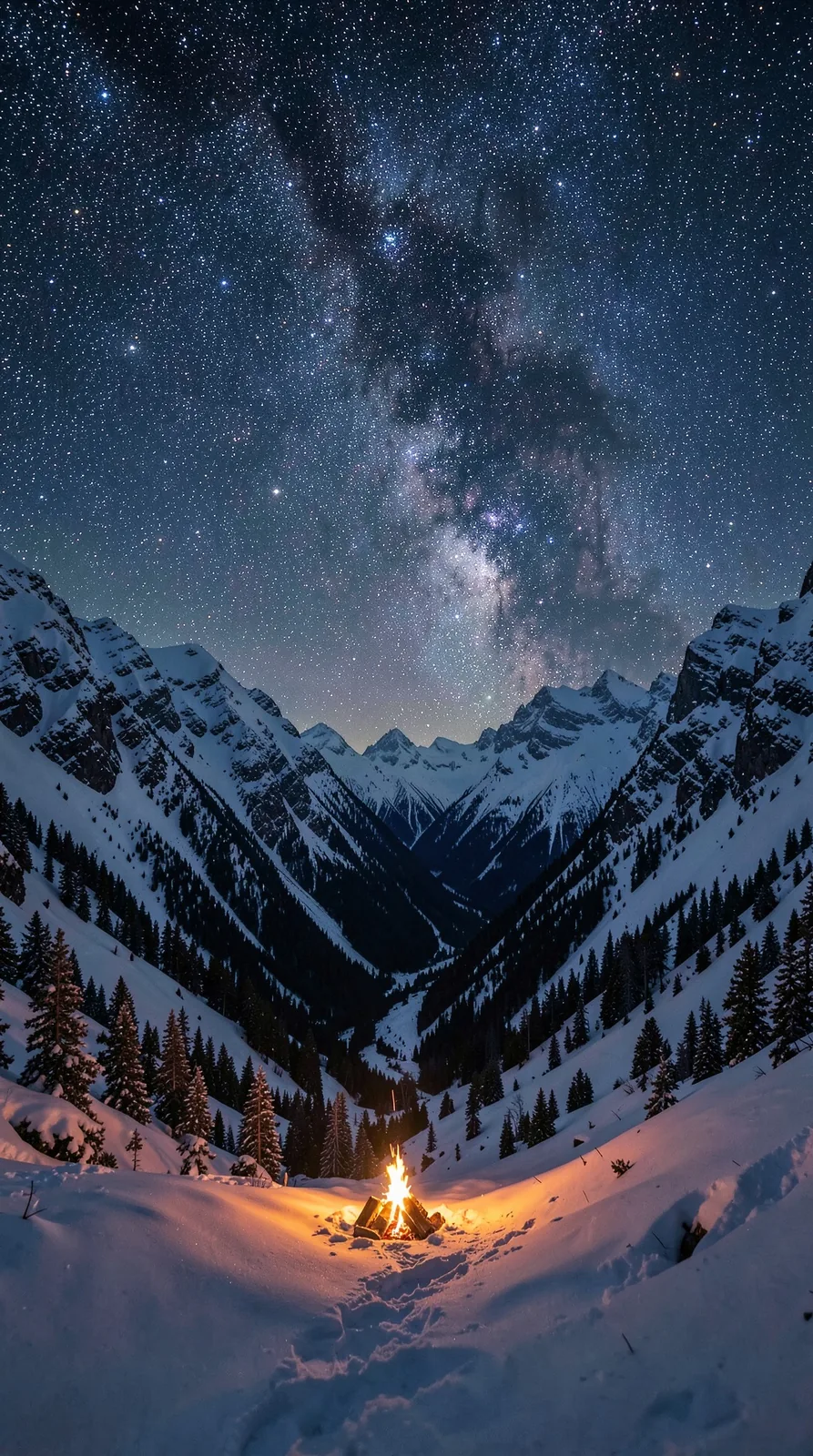
Starry mountain campfire comes alive
What went in
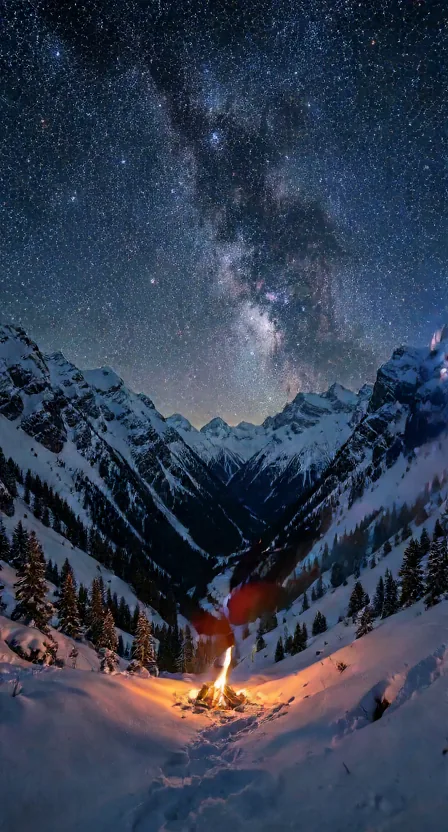
The input: Starry mountain campfire comes alive

What we asked

A slow cinematic push-in on a snowy mountain valley at night; the campfire flickers and throws moving light on the snow, stars twinkle, thin smoke rises, the camera drifts forward gently.
What came out, untouched

First frame of the clip: Starry mountain campfire comes alive
Play the full clip in the gallery

18 min 44 s on our RTX 4060 18 credits ($1.80) · Wan2.2 · 480p · 2 s
Neon rain street, from words only

What went in

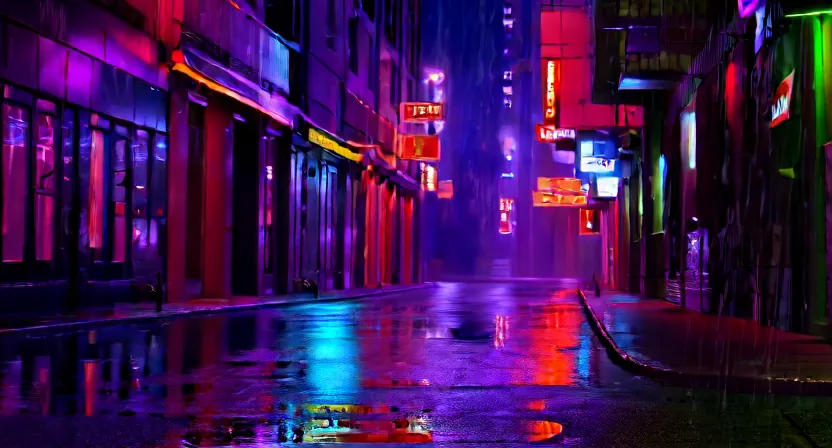
Only the instruction: no file.

What we asked

Empty rain-soaked street at night lit by magenta and cyan neon signs without text, reflections rippling in puddles as raindrops fall, slow sideways camera glide, cinematic, no people.

What came out, untouched

First frame of the clip: Neon rain street, from words only
Play the full clip in the gallery

16 min 55 s on our RTX 4060 18 credits ($1.80) · Wan2.2 · 480p · 2 s

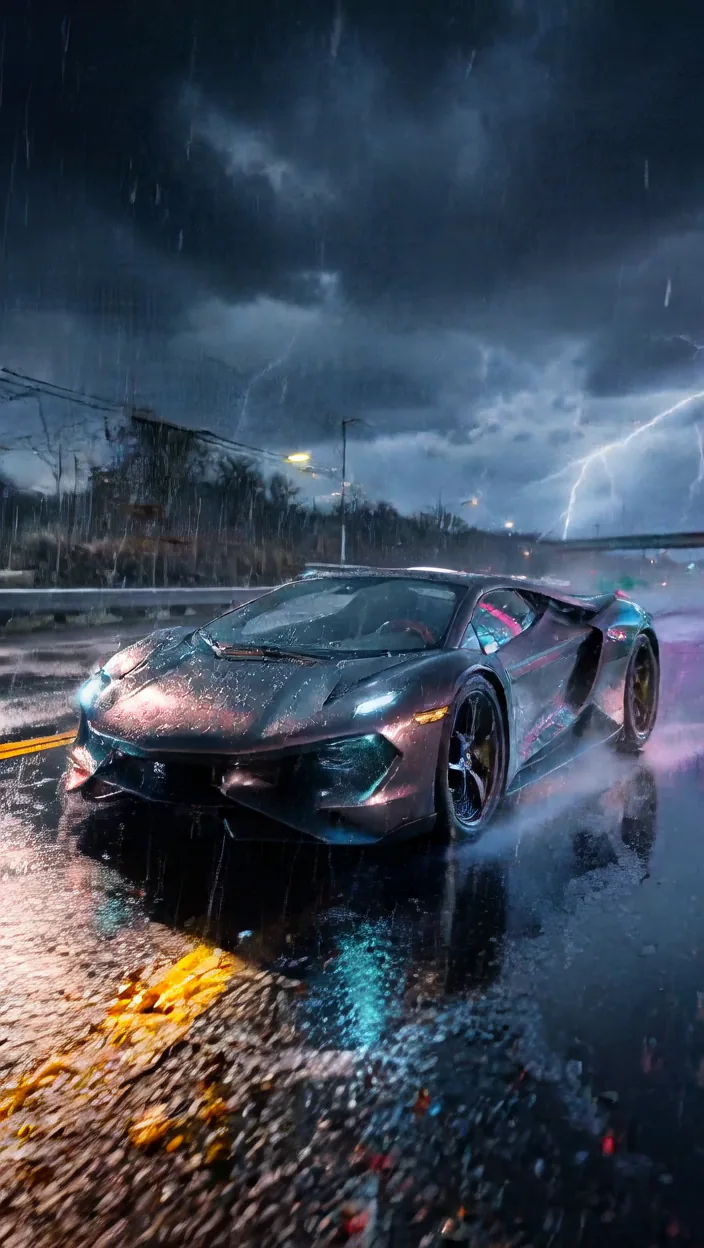
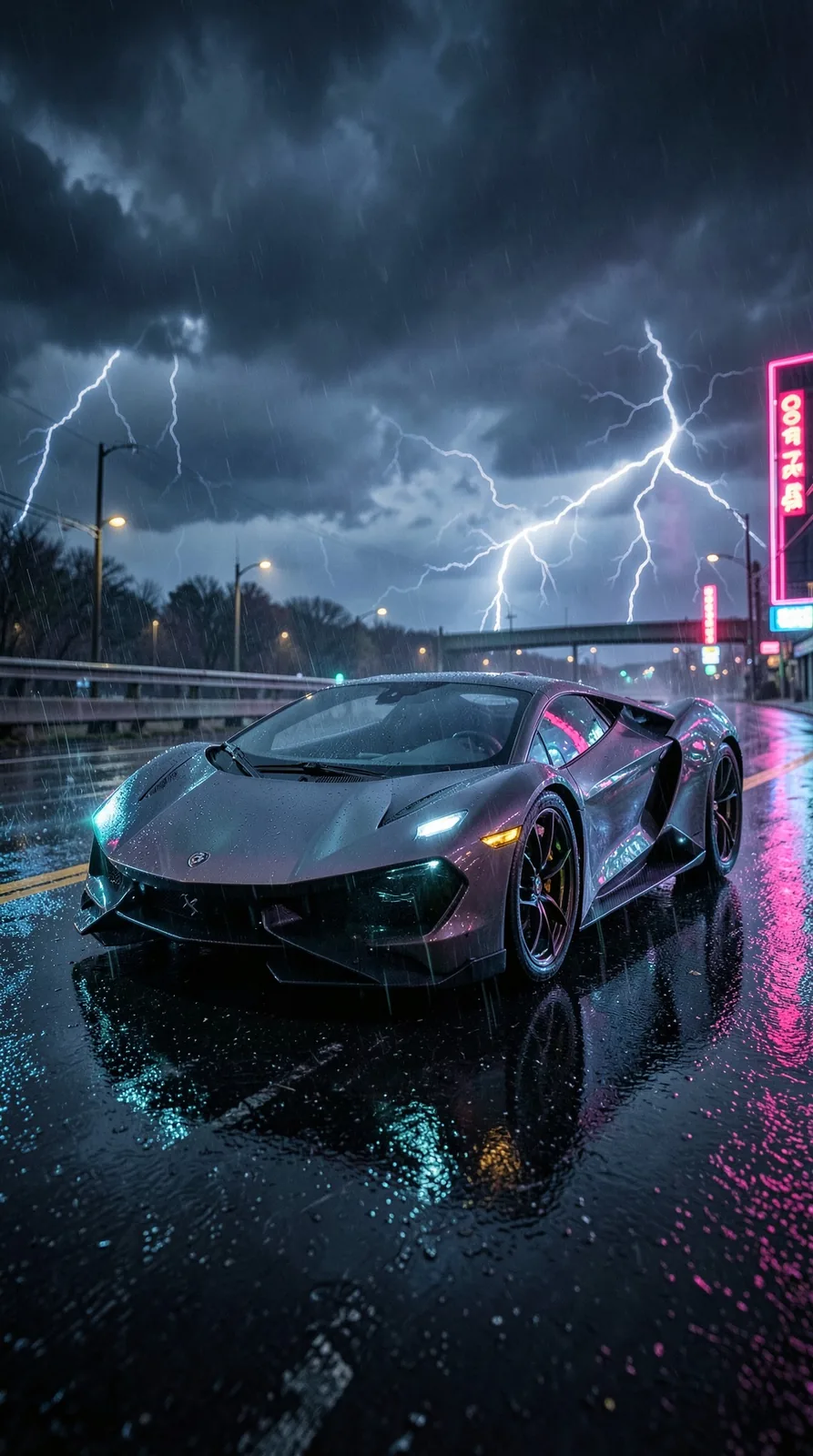
Concept car in the rain, 720p

What went in
The input: Concept car in the rain, 720p

What we asked

The futuristic concept car drives forward through heavy rain at night, wheels turning, spray and neon reflections streaking on the wet road, lightning flashes in the storm sky, tracking shot.

What came out, untouched

First frame of the clip: Concept car in the rain, 720p
Play the full clip in the gallery

40 min 38 s on our RTX 4060 41 credits ($4.10) · Wan2.2 · 720p · 2 s

Works well for

  • Live phone wallpapers from a still
  • Moving thumbnails and story backgrounds
  • Cinemagraph-style loops for posts
  • Bringing an AI wallpaper to life
  • Short mood shots for slides

Check before you rely on it

  • Clips are 2 seconds long.
  • Slow: 16-19 minutes at 480p and about 40 minutes at 720p per clip on this GPU.
  • No audio.
  • Fast motion (a car driving) is harder to keep sharp than ambient motion (fire, rain, stars).

Get the best result

The prompt and the model decide the output; bigger models and settings cost more credits. These notes come from what worked, and what did not, in our runs.

Do

  • Start from a picture when you can: the picture-in trial kept the wallpaper faithfully and only added motion.
  • Name small, natural motions: flickering fire, rising smoke, rain, twinkling stars, a slow camera push.
  • Use a picture whose shape matches the aspect you pick (tall picture, 9:16).
  • Pick 480p first: 18 credits against 41 for 720p, and the motion is the same.

Avoid

  • Ask for a whole story: 2 seconds holds one movement.
  • Expect sound: the clip is silent; use Cinematic video if you need audio.

Cost, quality and time

Times are end to end on our GPU (an RTX 4060 Laptop GPU, 8 GB), model loading included, before any jobs ahead of yours. "Estimate" marks an option we have not measured yet.

OptionCreditsTypical timeSlowest seenWhat to expect
Wan2.2 · 480p · 2 sRecommended1817 min 49 s18 min 44 s2 runsMeasured: 18 min 44 s (picture in) and 16 min 55 s (words only) for 2 s at 448x832 / 832x448.
Wan2.2 · 720p · 2 s4140 min 38 s40 min 38 s1 runSharper but more than twice the time: measured once, 40 min 38 s for 2 s at 704x1248.

Combine with other tools

Step-by-step recipes that use Animate a picture with other studio tools, with the credits each step costs.

The settings, explained

Promptrequired
Say what moves and how the camera moves, in one or two sentences.Accepts: 20-800 characters.
Picture (optional)
Optional. Without a picture the clip is made from your words alone.Accepts: JPG, PNG, WEBP, up to 8 MB.
Frame shape
Accepts: 9:16 tall, 16:9 wide.

Create

You answer for your prompt and your choice of model and settings; the safety filter still checks every job, and a refused prompt costs nothing.

Choose the model and quality
Describe what you want

We write it in the shape this model works best with. You can edit the result before you send it.

Camera (optional)

Mood (optional)

Type your idea above first: the prompt is written from it, in your browser.

Say what moves and how the camera moves, in one or two sentences.

Picture (optional)

Optional. Without a picture the clip is made from your words alone.

Frame shape

18 creditsabout 18-19 min on our GPU, plus any jobs ahead

You'll have 7 days to download it; then it's deleted.

Results are kept 7 days. Credits come back only if the job fails or never starts.

The line right now

Reading the line…

Credits are held when you send a job and spent when the result is ready. They come back automatically if the job fails, is refused or has not started within 24 hours. Results are kept 7 days, or 48 hours after your first download, then deleted; a result that expires unused is not refunded. Pricing and refunds

Frequently asked questions

Do I need a picture?

No. With a picture the clip keeps its look; without one the model builds the scene from your words.

Why only 2 seconds?

On this 8 GB GPU a 2-second clip already takes 16-40 minutes. Longer clips would tie up the GPU for hours.

Can I animate a photo of a person?

Only of yourself or with that person's permission, and the content filter still applies. Scenery and objects work best.

480p or 720p?

480p for phones and social posts (18 credits). 720p is sharper but costs 41 credits and takes about 40 minutes.

Is there sound?

No. For a clip with sound use Cinematic video with sound.

More in the Creative Studio